Ask ten Indian business owners what ERP they use and half will name something installed on a server in 2012 that nobody wants to touch. The other half will say Tally plus a few spreadsheets. Both setups work, until the business grows and the cracks start to show: stock that doesn’t match the books, invoices raised twice, a GST return that takes three days.
That’s usually the point where people start looking at a Zoho ERP system in India. This page explains what you actually get, what it costs you, and when it isn’t the right choice.
First, a small correction
Zoho doesn’t sell a product called “Zoho ERP.” People search for it, and plenty of sites write as if it exists, but it doesn’t.
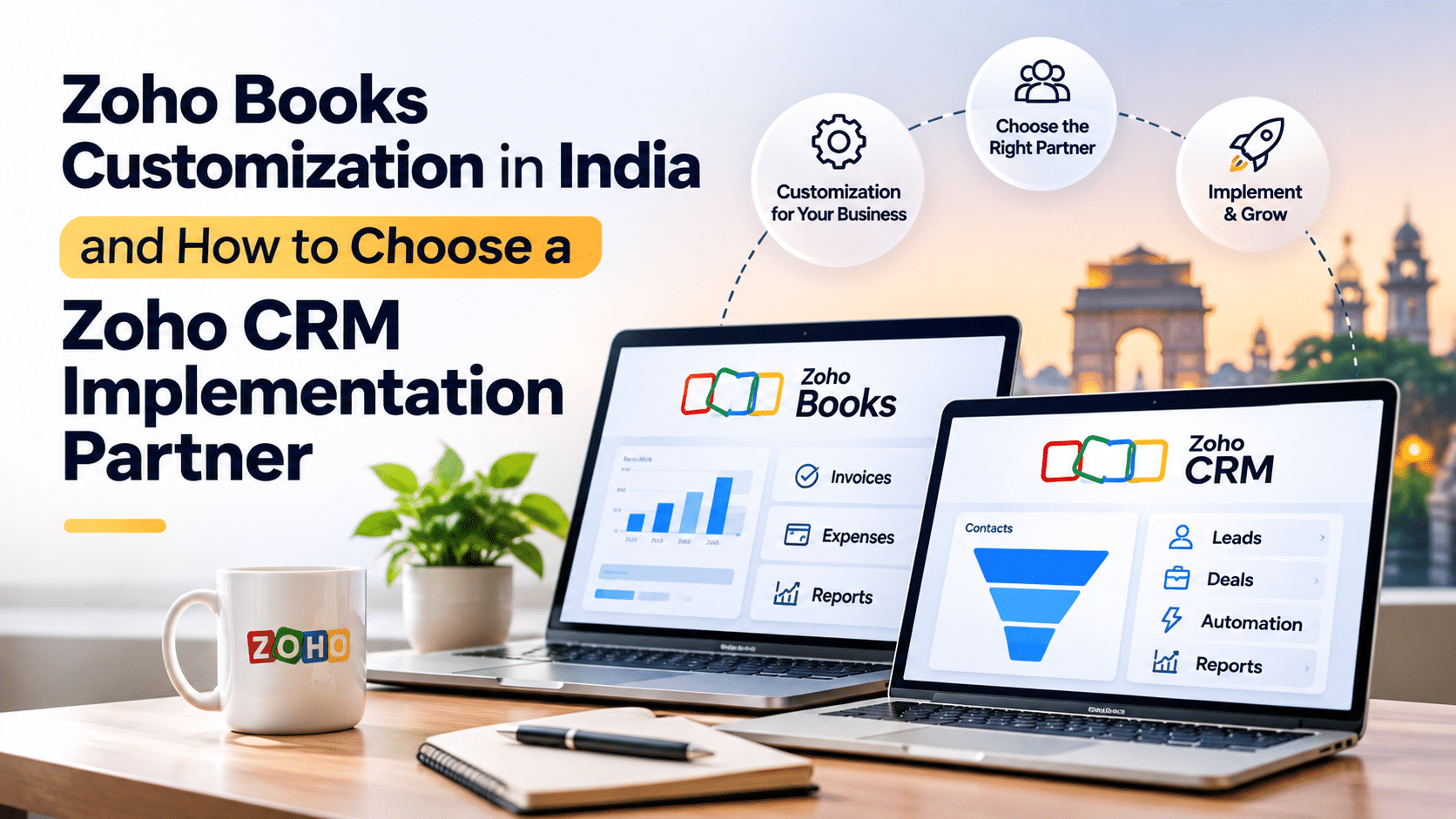
What Zoho has is a bunch of apps that share data: Books for accounts, Inventory for stock, CRM for sales, People and Payroll for HR, Creator for anything custom. Connect them and you’ve got an ERP. Take the full bundle (Zoho One) or just two or three apps. Either way, Zoho ERP software in India is really a kit you assemble around how your business runs.
I’d call that its biggest strength. It’s also why a bad implementation is so easy to do: nobody tells you which pieces to pick.
What it handles for an Indian business
GST is the main reason many people choose it. Zoho Books deals with GST invoices, e-invoicing, e-way bills, TDS and return preparation without extra plugins. If you’ve ever paid someone to bolt compliance onto a foreign tool, you’ll see the appeal.
Beyond that:
| What you need | Zoho app |
| Accounts, banking, invoices | Zoho Books |
| Stock, warehouses, purchase orders | Zoho Inventory |
| Leads, quotes, pipeline | Zoho CRM |
| Attendance, leave, payroll | Zoho People and Zoho Payroll |
| Projects and times heets | Zoho Projects |
| Custom workflows and approvals | Zoho Creator and Zoho Flow |
| Dashboards across all of it | Zoho Analytics |
We go into more detail on Zoho Books, Zoho CRM and Zoho Creator on their own pages.
Who it suits (and who it doesn’t)
It works well for small and mid-sized companies: distributors who need several warehouses and clean GST billing, manufacturers tracking raw material and batches, retailers selling on more than one channel, agencies that bill by the hour or by retainer. You can start with accounts and add other apps later, which is how most people do it.
It’s a weaker fit for very large enterprises with complicated, highly specialized processes. If you have thousands of users and deep plant-floor requirements, a dedicated ERP might serve you better, and we’d tell you so instead of selling you something that strains.
Why implementation matters more than the software
Most of the Zoho horror stories we hear aren’t about the software. They’re about someone importing messy data, skipping the process mapping, and then wondering why nobody uses it.
When we set one up, the order is usually this:
- Sit with the team and see how orders, stock and billing really flow. Not the official version, the real one.
- Decide which apps are needed and which can wait.
- Clean the data before it goes in. Duplicate customers and wrong opening balances are the usual culprits.
- Configure GST, roles, templates and approvals.
- Test it with the people who’ll use it daily, then train them by role.
- Stay around after go-live, because the first few weeks always throw up surprises.
More on how we work is on our Zoho implementation page.
What will it cost?
Honestly, it depends, and anyone quoting a flat number without asking questions is guessing. The price moves with the apps you choose, how many people use them, how much you customize, how much data has to be moved, and what you’re connecting it to (payment gateways, online stores, courier tools).
Zoho publishes its subscription pricing on its site. The implementation work is quoted separately, depending on scope. If you want a rough figure for your case, tell us what you’re running today and we’ll give you one.
Zoho versus the old-style ERP
The older systems are built for big companies: long projects, license fees up front, servers to maintain, and changes that need a developer. Zoho is cloud-based, charged by subscription, and you can change a lot of it yourself with Creator and Flow. The trade-off is that it’s less suited to extreme complexity. For most growing Indian businesses, that trade is a good one.
FAQ
Is Zoho an ERP?
Not as one product, but the apps together cover what an ERP does.
Is it good for Indian companies?
Mostly, yes, because GST, e-invoicing, e-way bills and TDS are handled in Zoho Books, and Zoho Payroll covers statutory payroll rules.
How much does it cost?
It varies with apps, users, customization and migration. Check Zoho’s pricing page for subscriptions, and ask us for the implementation side
Can it run a manufacturing business?
For many small and mid-sized manufacturers, yes. Inventory, bills of materials and workflows can be combined, and Creator fills in whatever specific to your process